Roblox Game Development for Kids
Course Objective: To introduce kids to the exciting world of game design and coding through Roblox Studio.…
- 0
- 40h
- 0

Course Objective:
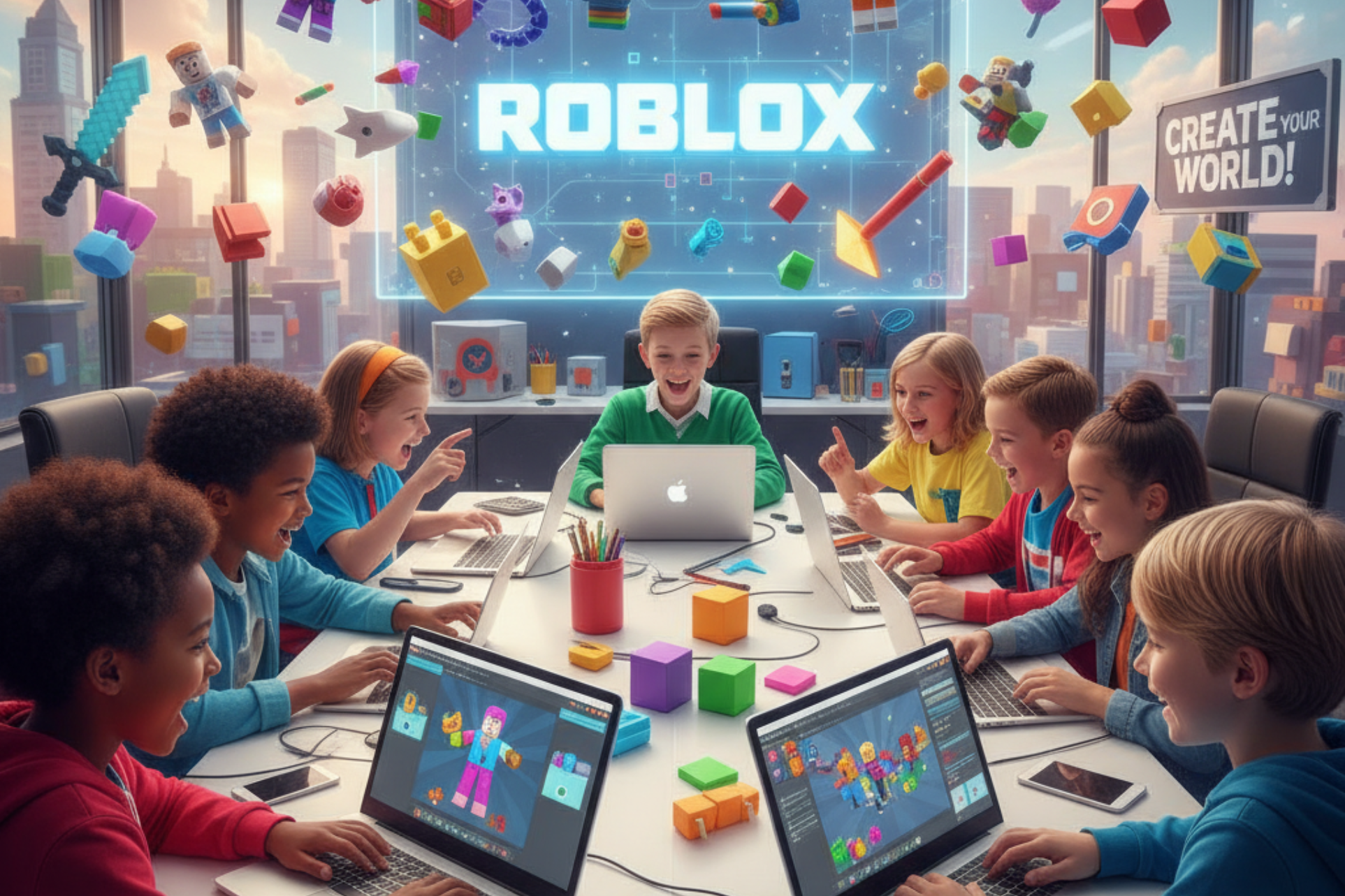
To introduce kids to the exciting world of game design and coding through Roblox Studio. Learners will explore how to build 3D worlds, code gameplay using Lua, and publish their very own Roblox games.
By the end of this course, students will be able to design, script, and share interactive Roblox experiences with creativity and confidence.
Learning Outcomes:
- After completing this course, learners will be able to:
- Create and design custom 3D environments using Roblox Studio
- Understand the basics of game logic and Lua scripting
- Build interactive gameplay elements (like coins, doors, and checkpoints)
- Publish and share games on the Roblox platform
- Develop creativity, teamwork, and problem-solving skills
Tools & Requirements:
- Computer or laptop with Roblox Studio installed
- Roblox account (free)
- Internet connection
- Basic computer knowledge
Age Group for this training: 8–15 Years
Platform Used: Roblox Studio + Lua Scripting
Detailed Course Outline:
Module 1: Introduction to Roblox Studio
- What is Roblox and Roblox Studio?
- Exploring the Roblox interface
- Understanding the workspace, toolbox, and explorer panel
- Creating your first game world
- Project: “My First Roblox World”
Module 2: Building Your Game Environment
- Adding and moving parts (blocks, spheres, wedges, cylinders)
- Using materials, textures, and colors
- Terrain tools: mountains, grass, and water
- Designing game levels and scenes
- Project: “Create Your Own Obstacle Course (Obby)”
Module 3: Introduction to Lua Scripting
- What is coding? Why do games need scripts?
- Basics of Lua programming language
- Writing your first script: Print commands and variables
- Understanding Events and Functions
- Project: “Interactive Door or Light Switch”
Module 4: Game Mechanics & Interactivity
- Adding movement, jumps, and checkpoints
- Making collectibles (coins, stars, power-ups)
- Adding sound effects and background music
- Creating leaderboards and score systems
- Project: “Coin Collector Game”
Module 5: Player Experience & Design
- Adding spawn points and player start locations
- Camera control and game perspectives
- Game lighting, ambience, and atmosphere
- Designing simple GUIs (buttons, score displays)
- Project: “Treasure Hunt Adventure”
Module 6: Advanced Lua Concepts (For Kids)
- Conditional statements (if-else)
- Loops and timers
- Detecting player actions (touch, click, movement)
- Script optimization and debugging basics
- Project: “Race to the Finish Game”
Module 7: Creating Multiplayer Experiences
- How Roblox multiplayer works
- Adding friends and testing games together
- Safe chatting and online etiquette
- Project: “Team Battle Arena”
Module 8: Game Publishing and Sharing
- Testing and fixing bugs
- Setting game permissions (public or private)
- Publishing games on Roblox
- Adding game thumbnails, icons, and descriptions
- Final Project: “Build & Publish Your Own Roblox Game!”
Module 9: Creativity Challenge & Showcase
- Design challenge: Create your dream game world
- Students present and play each other’s games
- Peer feedback and fun competition
- Certificate of Completion Ceremony
Teaching Approach:
- Step-by-step live demos and guided practice
- Creative building challenges
- Group collaboration and teamwork
- Safe and supervised online environment
More Courses By Alamin Khan

Professional Graphic Design

Advanced Excel – Professional