Python for Kids
Course Overview This course introduces kids to the exciting world of coding with Python, one of the…
- 0
- 40h
- 0

Course Overview
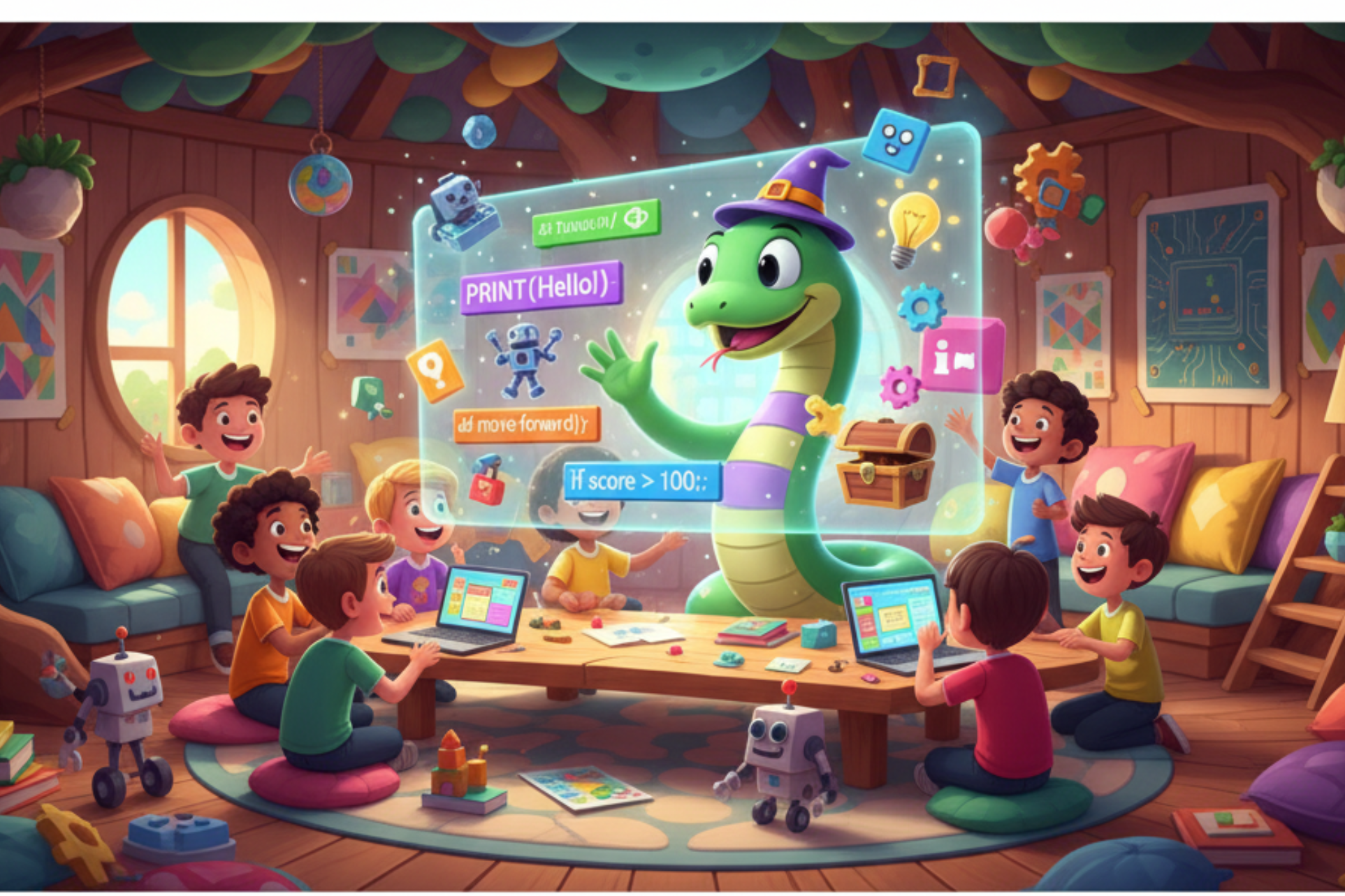
This course introduces kids to the exciting world of coding with Python, one of the most popular programming languages in the world!
Through fun projects, games, and hands-on activities, kids will learn how to think logically, solve problems, and create programs — while having fun doing it.
Course Tools & Requirements
-
Software: Python (latest version) + IDLE or Thonny (easy Python editors for kids)
-
Requirements: A computer with internet connection
-
Age Group: 9–15 years
Course Outcomes
By the end of the course, kids will be able to:
-
Understand programming concepts in a fun, visual way
-
Write simple Python programs and games
-
Think logically and solve problems creatively
-
Build confidence for future coding courses (like Scratch, Roblox, or AI for Kids)
Detailed Course Outline
Module 1: Introduction to Programming
-
What is coding and why learn Python?
-
Understanding how computers “think”
-
Writing your first Python program
-
Printing messages and playing with text
-
Fun activity: Create a personalized “Hello World” message
Module 2: Working with Variables & Data Types
-
Numbers, text (strings), and booleans
-
Storing and changing data with variables
-
Combining text and numbers in print statements
-
Fun activity: Create a “My Info Card” program
Module 3: Decision Making (If-Else Statements)
-
Understanding conditions and logic
-
Writing programs that make decisions
-
Comparison and logical operators
-
Fun activity: Create a “Guess the Number” game
Module 4: Loops – Repeating Actions
-
What are loops and why are they useful?
-
for loops and while loops
-
Controlling how many times something repeats
-
Fun activity: Create a “Countdown” or “Robot Steps” project
Module 5: Working with Lists and Collections
-
Understanding lists and how to store multiple items
-
Adding, removing, and changing list items
-
Fun activity: Make a “Favorite Movies” or “Shopping List” app
Module 6: Functions – Reusing Code
-
What is a function and why use it?
-
Creating and calling your own functions
-
Passing values into functions
-
Fun activity: Create a “Math Quiz” program
Module 7: Introduction to Graphics with Turtle
-
Meet the Turtle: Drawing with Python
-
Drawing lines, shapes, and colorful patterns
-
Using loops to create amazing art
-
Fun activity: Draw your name or create a geometric pattern
Module 8: Mini Projects
-
Project 1: Simple Calculator
-
Project 2: Guessing Game
-
Project 3: Animated Turtle Drawing
-
Project 4: Story Generator (using strings and variables)
More Courses By Alamin Khan

Professional Graphic Design
Advanced Excel – Professional